spreadgoodness
Improving a classroom web app with
clearer student interactions and admin tools.
context
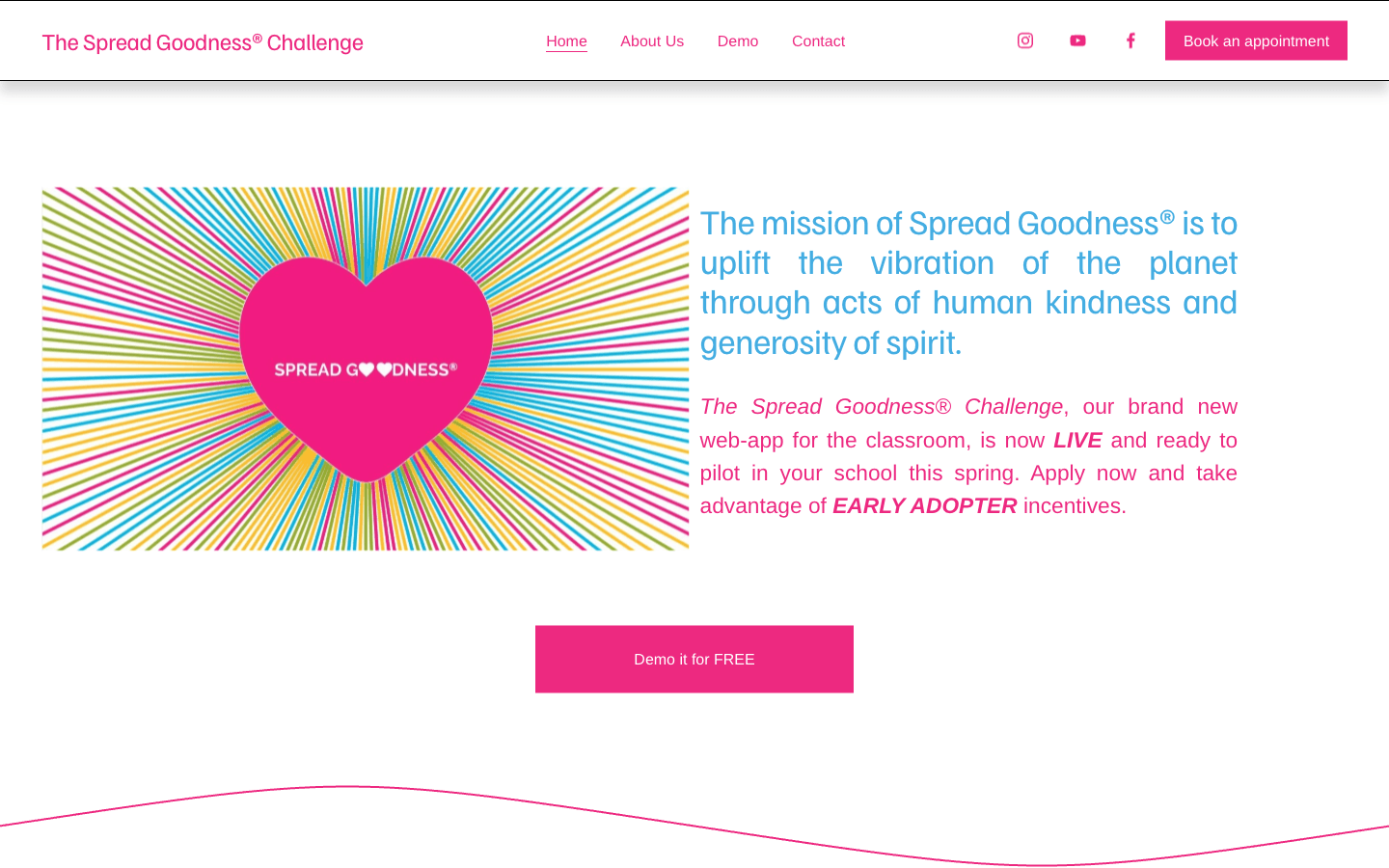
Give students a place to practice kindness, share their experiences, and encourage each other as part of everyday school life.
Spread Goodness Challenge is an educational web application where students participate in kindness challenges and reflect on their experiences. The wider product includes classroom tools for teachers and administrative workflows for managing the platform.
I joined an existing React and Firebase application as a software engineering intern. I built an administrator account-creation interface, refined student-facing challenge actions, and reviewed how the analytics dashboard retrieved and organized its data.
problem
The platform had different permissions for students and other users. Some student actions were intentionally restricted, but their buttons appeared faded before any interaction. I needed to make those controls readable and consistent while preserving the existing restrictions, including the actions shown after accepting a challenge.
The separate admin portal also needed an interface for creating platform-admin accounts. The authentication and backend foundation already existed; the dashboard needed input fields, a submission flow, and clear feedback for the person creating the account.
my role
I built the React admin-creation form, including required-field checks, submission handling, a pending state, success and error messages, and clearing the fields after a successful request. I connected the interface to the team’s existing Firebase account-creation utilities.
I updated restricted challenge-button styling across student interactions and the congratulations screen, then corrected a remaining desktop-specific hover inconsistency. I manually tested the challenge-acceptance flow with a student account and checked the desktop and mobile layouts.
I also reviewed Firestore analytics queries and recommended changes to counting queries and the organization of data fetching and calculations. My team and I worked within the existing application, with teammates responsible for the admin authentication, provisioning backend, and later integration of the portal into the shared pilot branch.
solution
Readable student challenge actions
I changed restricted challenge actions to retain their full-color appearance by default and apply fading on hover where appropriate. I kept the existing lock cues and permission behavior, so the visual update preserved what students were allowed to do.
The change also covered the restricted Nominate action in the congratulations screen after challenge acceptance. I checked that part of the journey because the same action needed a consistent presentation across the initial screen and the completion state.
I followed the initial update with a correction to the remaining desktop Start action’s opacity rule. That brought the desktop treatment into line with the intended hover behavior and addressed an inconsistency across responsive versions of the interface.
Platform-admin account creation
I built a form with first name, last name, email, and password fields for an authorized platform administrator to create another admin account. The interface checked that required values were present before sending the request through the existing authenticated helper.
While the request was pending, I disabled the creation button to prevent another submission. On success, the interface displayed confirmation and cleared the fields. On failure, it displayed the error and allowed the operator to try again.
These states made the operation understandable to the person using it: they could see when the request was in progress, whether it succeeded, and when something needed correcting. My form provided an application interface for a task that the earlier documentation described as manual setup across Firebase tools.
Firestore analytics review
I reviewed the analytics dashboard’s count calculations, date-range logic, and Firestore document retrieval. I examined where aggregate queries could provide a count without retrieving every full document, and recommended separating data fetching and calculations from the rendering code.
The purpose was to make the query structure easier to maintain and identify opportunities to avoid unnecessary reads. This work was a technical review and set of recommendations; implementing and measuring those changes remains further work.
engineering decisions
I checked the challenge-acceptance journey with a student account, including the confirmation screen and its restricted actions. I checked both desktop and mobile layouts, because the same interaction appeared in different responsive branches.
That work required looking beyond the first button I changed. I had to follow where the action appeared, preserve its permission behavior, and correct the remaining desktop styling so the update was consistent across the flow.
I organized the admin form around the request lifecycle: collect the details, check required fields, show progress, and display the outcome. Each state gave the operator feedback about what the application was doing.
- Account details
- Required-field check
- Pending request
- Success or error
I implemented the form and its submission behavior against the existing backend. My team and I coordinated the handoff between the interface I built and the account-creation operation maintained by the backend engineer.
results & reflection
I delivered a complete admin-creation interface with input checks and submission feedback. My form implementation was later integrated into the shared pilot branch, giving platform administrators an interface for entering account details and seeing the outcome of a creation request.
I also delivered the restricted challenge-action updates and the desktop follow-up correction. I manually checked the student acceptance journey, including the congratulations screen. The changes made the presentation of restricted actions more consistent while preserving the existing permissions.
These were practical improvements to two parts of the product: the controls students encountered during challenges and the account-creation workflow used by platform administrators. My work made the interface communicate those actions and their states more clearly.
I loved working on a product built for students. The goal was to make kindness something they could practice and share during their school day, and that gave the work a purpose I cared about. I wanted the experience to feel clear and welcoming for the people using it.
What excited me was seeing how software could fit into education. The platform created space for students to recognize each other and reflect on what they did. I’m proud that my work became part of a product with that goal, and I want to keep building things that make a positive difference for students.
Working closely with the engineers and being part of the team meetings was one of my favorite parts of the internship. I learned a lot from discussing the work, asking questions, and figuring out how my changes fit into an application that other people were building too.
I learned to follow a change through the whole experience. A button update meant checking permissions, different screen sizes, and what happened after a student accepted a challenge. Building the admin form meant thinking through what someone should see while a request was running or when it failed. Those details made me more thoughtful about what I build, especially when the people using it are students and educators.