homigo
Building a home services marketplace with
clear onboarding for consumers and providers.
context
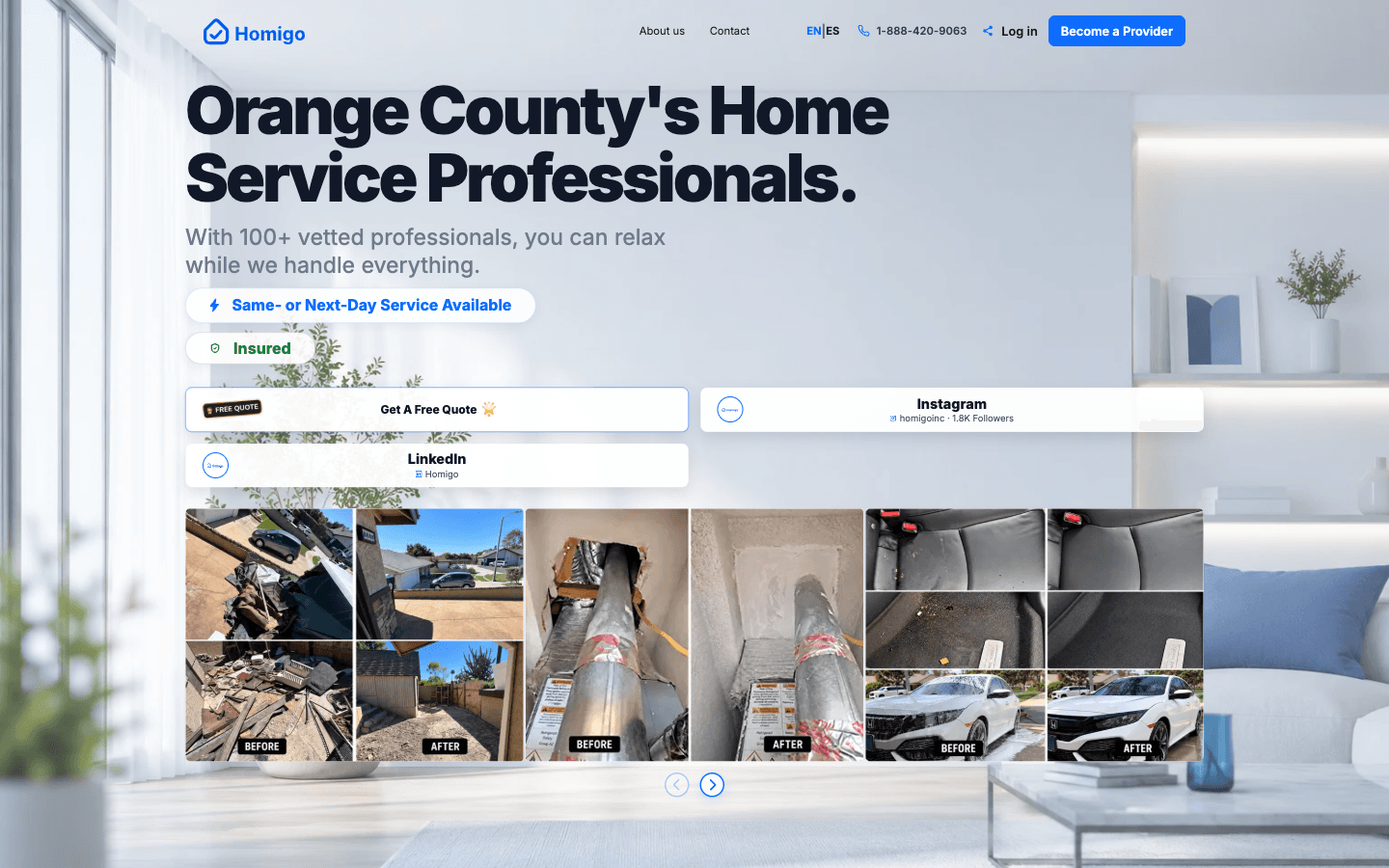
A home services marketplace where consumers can request a service and providers can register their business, services, and coverage area.
Homigo was being built to bring both sides of home services together. Consumers would describe the job they needed, share its location, and choose scheduling preferences. Providers would enter their business details, select the services they offered, and define where they could work.
When I joined as a founding software engineer, the product was still an idea and a set of designs. My team and I turned that direction into a working MVP. I built onboarding for both consumers and providers, with responsive English/Spanish interfaces connected to the application’s data and backend services.
problem
Homeowners needed to describe a job, share its location, choose scheduling options, and submit a request. Providers needed to enter business information, select services, define their coverage area, and complete account setup.
Both journeys involved multiple forms, validation, and external services. I built interfaces that organized those steps for mobile use and connected the information collected in each journey to the backend.
my role
I led frontend development for the MVP using React, Next.js, and TypeScript. My role initially focused on the interface, but expanded into full-stack development and feature integration.
I built onboarding for both consumers and providers, including consumer service-request forms, provider registration, portal UI, navigation, and responsive layouts. I implemented form validation, controlled progression between steps, built English/Spanish interfaces, and connected both journeys to Supabase and backend APIs.
My full-stack work included a contact-form API connected to SendGrid, uploaded-image moderation using Google Cloud Vision, and profanity filtering for user-entered text. I connected user-facing interactions to backend services, extending my responsibility beyond the frontend.
solution
Consumer onboarding and service requests
I built the consumer request experience from the initial ZIP-code entry through service selection, job details, location, and scheduling. I organized these inputs into separate, focused screens, followed by an account step, submission, and confirmation.
I implemented validation and controlled navigation between steps so required information was collected before users continued. I also built a dedicated screen for ZIP codes outside the service area, making that limitation visible during the request journey.
This structure gave homeowners a clear sequence for describing a job. Each screen focused on the information needed at that point, while the confirmation screen marked the end of the submission process.
Provider onboarding and portal
I built provider registration, guided business-information forms, service selection, and provider portal UI. The forms collected what a provider offers and where they work, using service categories, ZIP codes, and travel radius to describe their coverage.
I connected the frontend steps to backend APIs for account, verification, and payout services. I built English/Spanish interfaces for the onboarding experience, which included 20 service categories.
These forms established the provider information a local marketplace needs: the business, the services available, and the area it serves. My work connected that setup process to the provider’s account experience.
Contact-form email delivery with SendGrid
I implemented the backend contact-form API and its SendGrid email integration. Visitors could enter their contact details and message on the website, and my integration connected that submission to email delivery.
The form sent the submitted information to the backend. The contact-form API processed the request and passed the message to SendGrid for delivery. I built the connection between the user-facing form and the email service, carrying the inquiry through the application beyond the submit button.
This gave visitors a direct way to ask questions or raise an issue through the website. Their contact information and message provided the context needed for a response, making the contact page a functioning communication channel for the marketplace.
Uploaded-image moderation
I implemented uploaded-image moderation using Google Cloud Vision. I connected the image-handling workflow to content analysis so the application could identify potentially inappropriate imagery in user uploads.
Photos are useful in a home-services request: a homeowner can show the condition of a space, an item that needs repair, or the scope of a job. A provider can use that visual context to understand the request. That makes uploaded images part of the interaction between consumers and providers.
My integration introduced a content-screening step into that workflow. An uploaded image could be analyzed through Google Cloud Vision, and the resulting assessment provided information for moderation. This gave the application a way to identify content concerns as part of handling an upload.
The goal was to prevent inappropriate imagery from reaching other users while retaining the value of job-related photos. For a marketplace connecting people who may not know each other, screening shared content is part of maintaining a professional environment and trust in the service.
Profanity filtering for user-entered text
I also implemented a profanity filter to screen user-entered text for offensive language. This addressed the written content users submitted alongside the image-moderation functionality.
Written information needs to communicate a service need clearly and respectfully. The filter added a check for inappropriate wording, with the goal of keeping offensive language out of the content shared through the marketplace. Together, text filtering and image moderation addressed both forms of user-submitted content.
Responsive English/Spanish interfaces
I built responsive layouts and English/Spanish interfaces across consumer requests and provider onboarding. My work covered the forms, navigation, and page layouts users interacted with while setting up an account or describing a service request.
These workflows required users to enter several kinds of information. I organized the layouts around those tasks so the steps remained readable and usable on phones, tablets, and desktops.
engineering decisions
I organized the consumer request experience into focused step components rather than one large form. That made it easier to manage validation and the transition from one part of the request to the next.
- ZIP code
- Service
- Job details
- Place & date
- Account
- Submit
The same principle guided provider onboarding: collect one set of information at a time, then connect it with the account and service-area data the platform needs.
- Next.js & TypeScript
- Frontend application
- Supabase
- Application data & authentication
- SendGrid
- Contact emails
- Google Cloud Vision
- Image moderation
- Twilio & Stripe Connect
- Verification & payout services
I implemented the frontend connections to account, verification, and payout APIs and coordinated backend integration with my team. My work covered how users entered information and moved through the interface; the backend services handled account verification and payment processing.
results & reflection
By May 2026, my team and I had completed and released the MVP, with onboarding for both consumers and providers. By the end of my engagement, 25+ users had been onboarded. The product had moved from initial designs to a live application people were signing up to use.
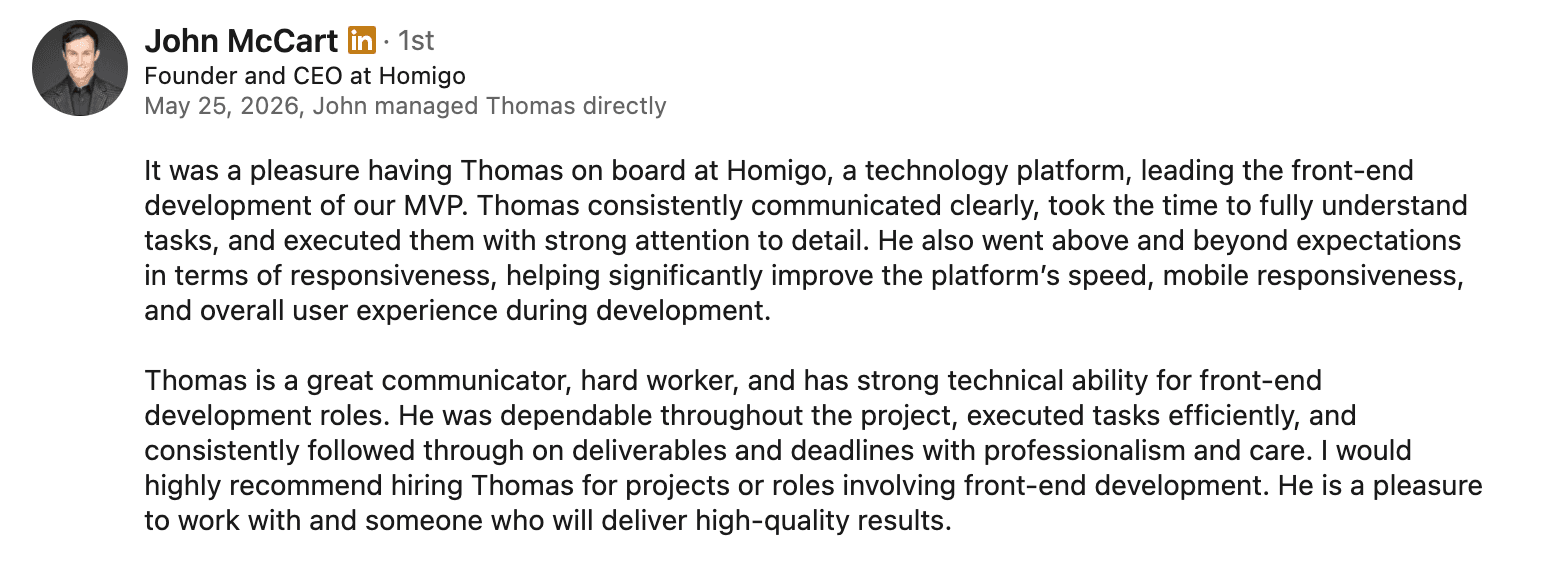
Homigo gave me a real feel for startup life. Things moved quickly, and I was learning as I built. I joined to focus on frontend, but ended up taking on backend features too. There was a lot to figure out, and seeing the MVP come together made the effort worth it.
Working closely with the engineer and CEO taught me so much about taking an idea and turning it into a working product. I got more comfortable asking questions, tackling unfamiliar problems, and taking responsibility for what I built. Those six months pushed me, and I’m proud of how much I grew.